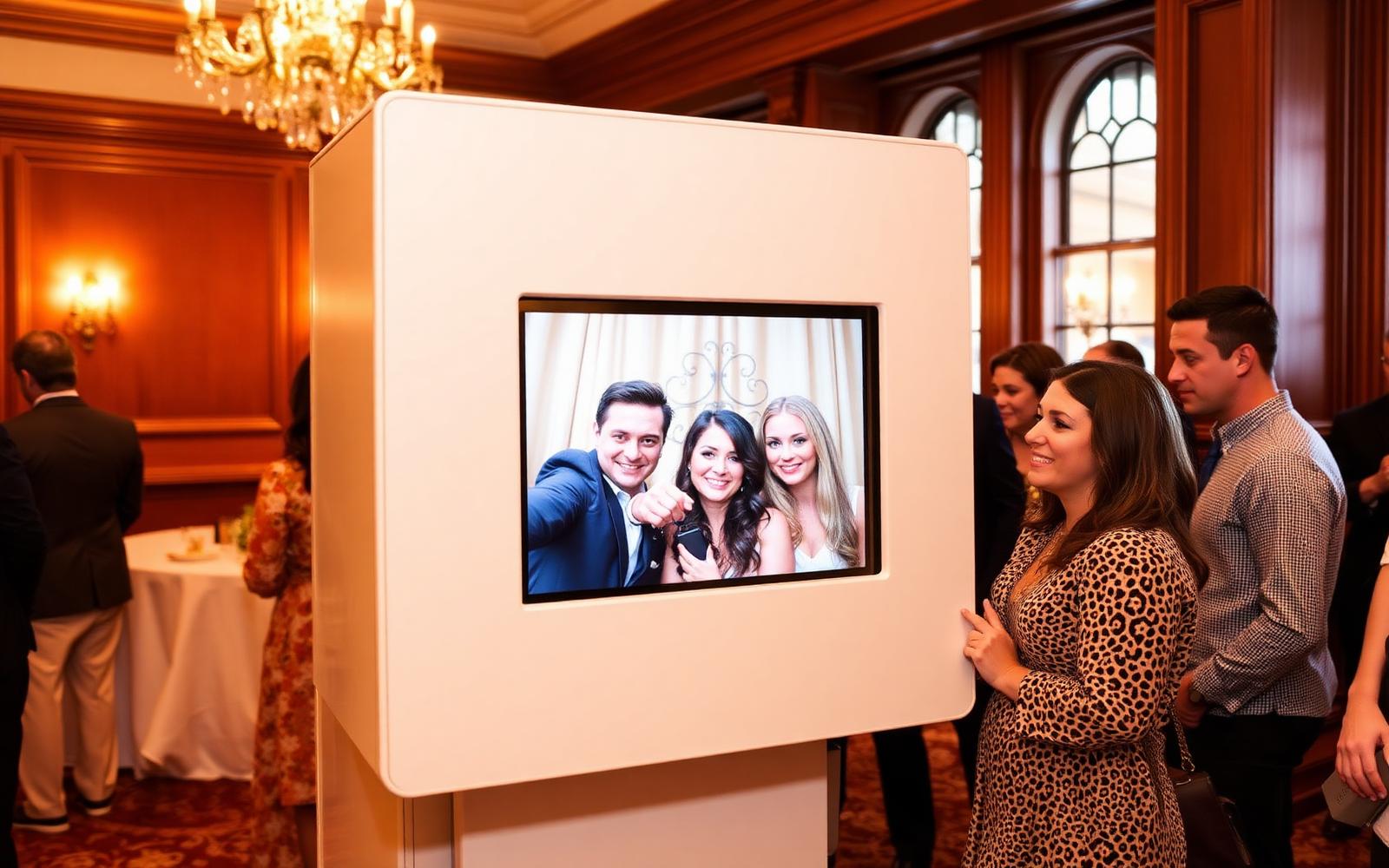
A booth that runs unattended
A start button or touchscreen, nothing else. The booth locks itself, guests cannot exit and it automatically gets ready again after a power outage.
Runs on its own without constant supervision
Fully locked
No address bar, no desktop and no way to click out.
Restarts automatically
After a power outage or crash, the booth automatically returns to the start screen.
Service menu with code
Staff open the service menu with a code. It closes again after ten seconds of inactivity.
Try it now or request a quote
Start with a seven-day free trial, or get 50% off your first three months. Cancel monthly.
Frequently asked questions
Does the booth work without internet?
Yes. Photos are stored locally and sent as soon as the connection is restored.
Can I test it on a regular PC?
Yes. You can install the software on a laptop or PC to practise. Simply activate booth mode later on the actual photo booth. You can always exit booth mode through the service menu: tap once in the top left corner, then twice in the top right corner of the screen within four seconds, and enter your service code. On Windows, Linux and Raspberry Pi, you can also use Ctrl + Alt + S. On Android and iOS, use the tap pattern in the corners. In the service menu, select Exit Booth Mode or Close Program. If you do nothing for ten seconds, the menu closes automatically and the booth resumes.
More features: Fleet management: all your booths in one overview · Planning and quotes in the same platform · Remote support without getting in the car · Every event styled to match your client's brand
Want to try it yourself?
Create your account and try everything free for seven days, with no obligations.