Everything the software can do
From the button on your booth to your customer's invoice. The features below are included in the platform. Which ones you use depends on your plan.
Booth screen
- Start via touchscreen or USB button
- Countdown with skip option
- Individual photos, sequences and photo strips
- Video and boomerang
- Green screen and filters
- Digital props with facial recognition
- Taking and printing photos also works without internet
- Full kiosk mode on Windows, Linux and Raspberry Pi
Camera and hardware
- Webcam, industrial camera or DSLR
- External flash via USB or Bluetooth
- Printer for each booth with an alias
- Second screen as a sharing station
- SumUp Solo payment terminal
- Windows, Linux, Raspberry Pi, Android and iOS
Printing
- Design photo strips using templates
- Queue and reprint from the dashboard
- Paper and ink levels per printer
- Print server for multiple photo booths
- Original files are preserved
- Memory Ticket on a thermal receipt printer
Sharing
- QR code immediately after the session
- WhatsApp, email and SMS
- Branded sharing page
- Consent for each guest
- Retention period and automatic cleanup
- Sharing statistics by channel
Design
- Drag-and-drop welcome screens
- Photo strips and templates
- Logos and watermarks
- Custom colours and text
- Per event or location
Management and security
- Kiosk lock and crash recovery
- Remote support and restarts
- Issues and notifications
- Roles and permissions per employee
- Encrypted local storage
Customers and scheduling
- Calendar with events and photo booths
- Quotes as PDFs
- Customer portal with live sessions
- Guestbook and leads
- ZIP export per session or event
Payments and revenue
- Paid sessions by card or QR
- Pricing and happy hour
- Revenue per booth and per day
- Exports for accounting
- Manage your subscription in your account
Smart and automated
- Best photo from a series
- Automatic albums
- Captions and summaries
- Selfie matching for guests
- Webhooks and automated emails
- Dropbox and Google Drive integration
The features guests and clients ask for
These are the features that take your booth beyond a basic photo corner. For each feature, you can instantly see which subscription includes it.
Sharing station next to the booth
Guests find their own photos on a second screen while the booth keeps running. No queues, more sessions per evening.
Client portal with gallery
Your client can follow the photos live, download everything and share the gallery with guests. All in your branding.
Photos instantly on TV
Every session appears on the venue's screens within seconds. Just the nudge the next group needs to join in.
Your own ads between photos
Show your promotions on screen, or sell the space to local advertisers and invoice based on actual impressions.
Live stream from the booth
Watch the camera and screen live, take action instantly and restart remotely. No need to drive across the country.
Memory Ticket as a keepsake
A compact ticket with a small photo, QR code, photo code and your own branding. Something tangible for every guest, without a colour print.
Connect payment terminals
Guests tap or scan, the session starts automatically and you can track revenue for each booth live.
Try the demo
Open the demo, press START and take a test photo, exactly as your guests will experience it.
- No account required
- Management, design, printing and gallery
- Start the booth and take a test photo
- Nothing you do is saved
Reliable when things really get busy
Keeps running
A lost Wi-Fi connection will not stop the night. Photos are stored locally with encryption and synced automatically later.
Guest-proof
Full screen, no cursor, no way to exit the app and automatic recovery after a crash or power outage.
Sharing the way guests want
QR code, WhatsApp, email or text message. With consent from each guest and a retention period you control.
Narrowcasting and sharing station
Show your own message or an advertiser's content between sessions. Turn a second screen into a sharing station.
Smart assistance
Best photo from a series, automatic albums, captions and a summary of your results.
Customer portal
Your client can follow the event live and download everything afterwards. Fewer calls for you.
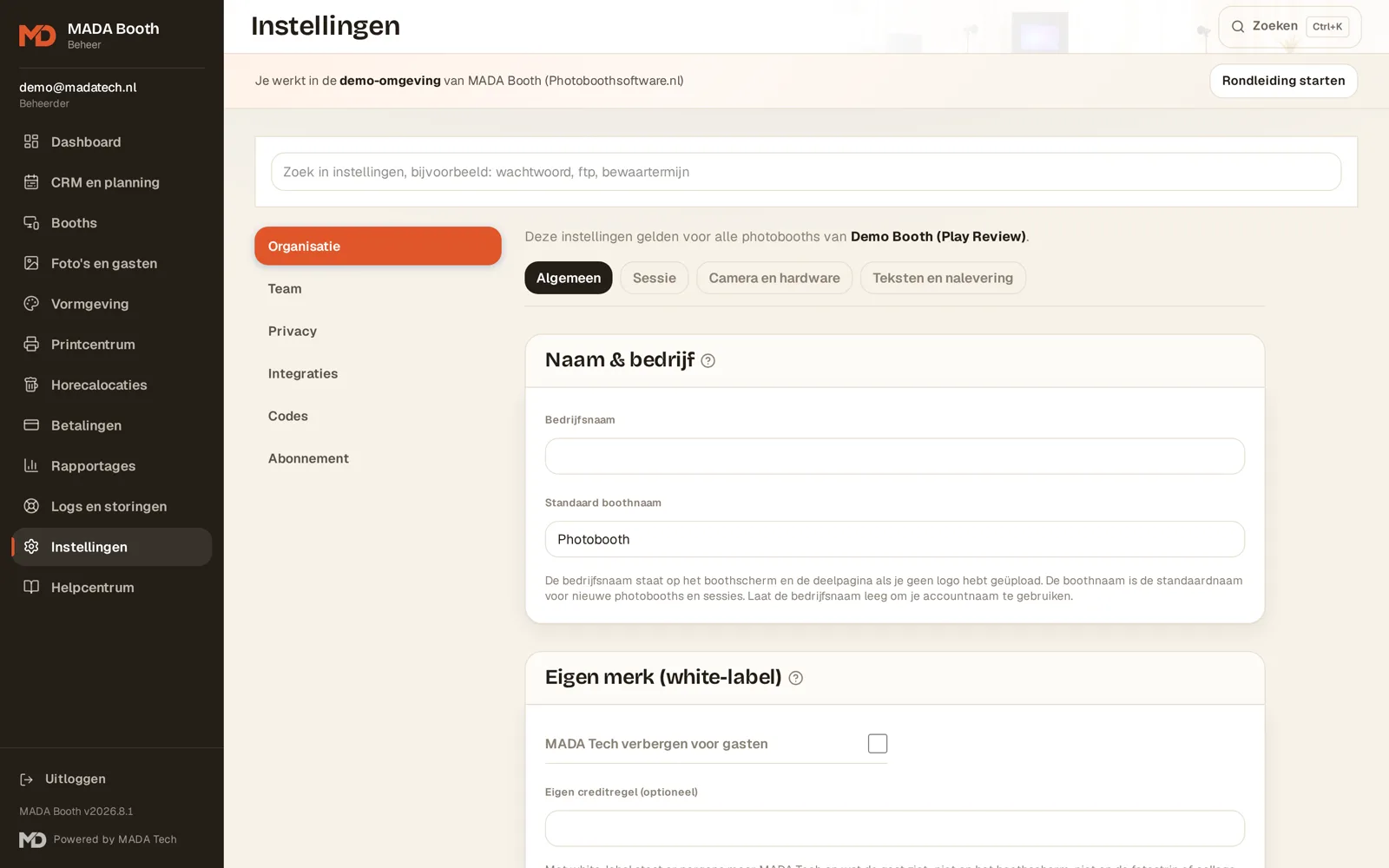
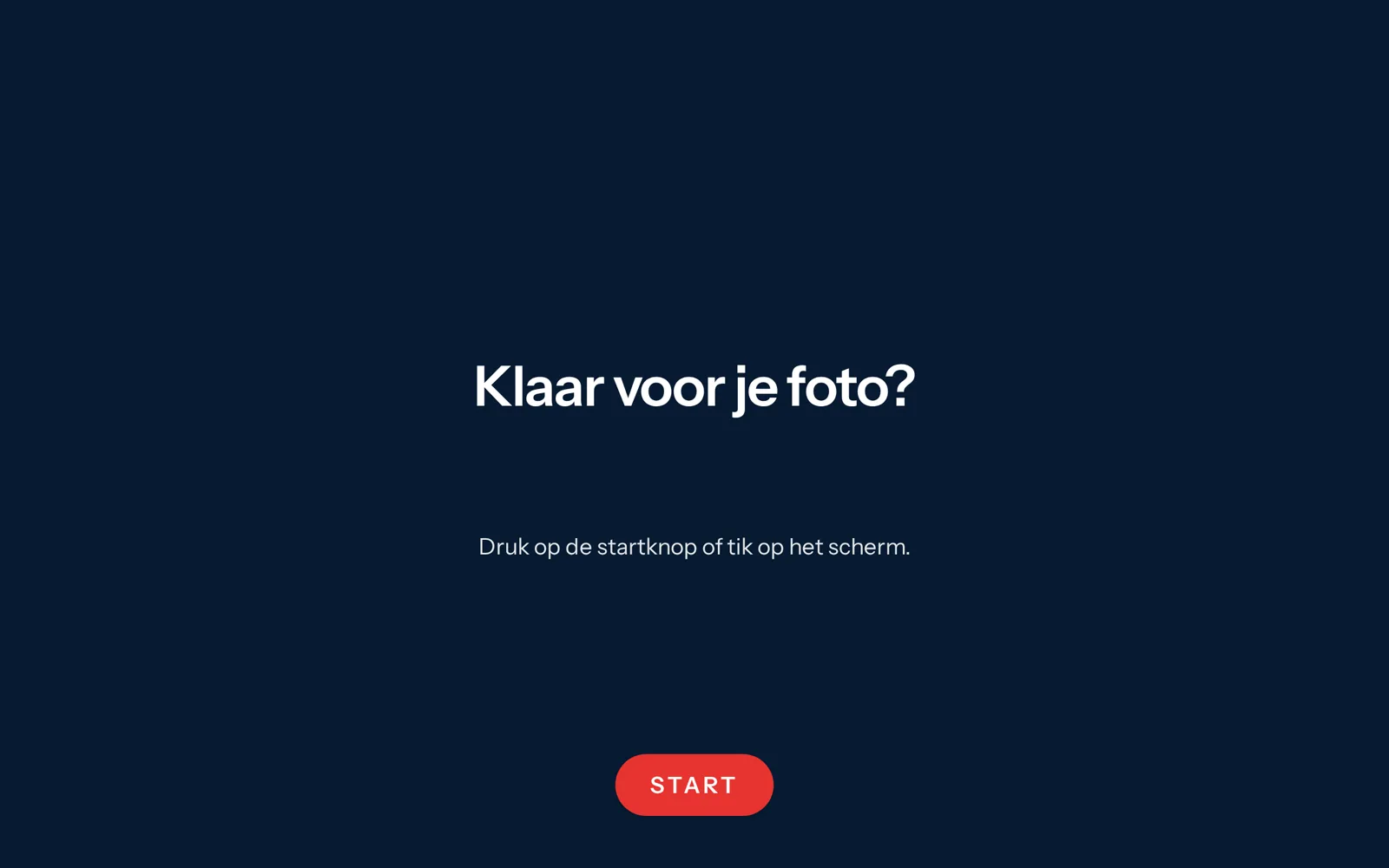
Want to click through it yourself?
The demo environment includes a complete setup with booths, sessions and reports.
Compatible with the hardware you already have
Payment terminals, photo printers, cameras, lighting and buttons: MADA Booth works with the hardware you already use. Can't see your brand? Just ask us. We're happy to connect new devices for you.


Brand names and logos are the property of their respective manufacturers and are used solely to indicate compatibility.

Run your first test session tonight
Create your account, connect your booth and try every feature free for seven days.
Everything you need to run your photo booth business
From planning and design to printing, sharing and remote support. See how each part of MADA Booth supports your business.
Fleet management
All your booths, versions and statuses in one overview.
Learn morePlanning and quotes
Calendar, bookings and quotes as PDFs.
Learn moreRemote support
Monitor, restart and troubleshoot without travelling.
Learn moreCustom branding for every customer
Screens, photo strips and sharing pages in their style.
Learn moreReports
Results by booth, event and customer.
Learn morePrinting
Photo strips, print queue and print server.
Learn moreUnattended kiosk
Locked down, recoverable and running independently.
Learn morePrivacy and retention periods
Consent, data clean-up and processing agreements.
Learn moreShare with guests
QR, WhatsApp, email and your own sharing page.
Learn moreKeep running offline
No internet? Keep taking and printing photos.
Learn moreSmart assistance
Best photo, albums and recaps.
Learn moreCustomer portal
Live gallery and downloads for your client.
Learn moreNarrowcasting
Photos and ads on the screens at your venue.
Learn moreLivestream
Watch the camera and booth screen live.
Learn morePayment terminals
Paying by card or scanning starts the session.
Learn moreSharing station
A second screen where guests can search for themselves.
Learn moreAdvertising on screens
Run your own promotions or sell advertising space.
Learn more